
Searching Robeson County Criminal Dockets
The main public tool is the North Carolina eCourts Portal. Its Smart Search accepts a record number, a party name, a citation number, or attorney information. You can search without registering. Expect a CAPTCHA prompt now and then during a normal session. A full record number is the best Robeson identifier there is. With only a name, check the location, case type, status, and dates. Do that before trusting a hit.
One limit matters: the Portal will not search by charge words. That hurts when you know the alleged Robeson offense but no name or number. Open the Case Summary, also called the Register of Actions. It lets you compare the record number, assignment details, events, hearings, and dispositions. The county's broader Case Lookup route walks through the same core identifiers for every record type. It will not turn a Robeson name result into a conclusion.
- Open Portal and search with the full Robeson record number when it is available.
- For a name search, narrow the result with Robeson location, case type, status, and filing-date controls.
- Check the Robeson record number and court assignment before reading the event history.
- Review Robeson hearings, events, dispositions, and financial information where Portal displays them.
- Contact the Robeson Clerk of Superior Court for an older paper file, a restricted-record question, or an official product.
Note: A missing Portal result is not proof the file does not exist. The record may be restricted, older, unprocessed, or indexed under a different label.
Robeson Criminal Docket Search Limits
Record numbers follow a set pattern: YYTT######-CCC. Two digits give the year. Letters mark the case type. A six-digit sequence follows, then a three-digit county identifier. Robeson's identifier is 770. So 25CR000001-770 shows the Robeson shape alone. It describes no real case. Names carry their own risk. Aliases, lookalike names, masked birth dates, and a 200-result cap on basic searches can leave a result set murky.
Portal training materials list filters for location, case type, status, filing date, and other date criteria. In the public view, exact dates of birth are masked. Use the filters to narrow toward the right Robeson record. Do not use them to guess at facts from a partial match. There are no public bulk reports or notifications either. And a document the Portal does not display may still sit in the Robeson clerk's file.
Inside a Robeson County Criminal Docket
A Robeson Case Summary is a running log of court events. It is not a story of what happened. Read it in order. Start with the Robeson case number and location. Move to the case and assignment information, then parties as public access allows. Finish with the dated events, hearings, dispositions, and any financial entries. A setting only means a court event was scheduled or took place. For a disposition, weigh its date and the case segment it belongs to. Check any later entries that change the register too.
| Record number | Confirms the Robeson location and the case-format elements shown in Portal. |
|---|---|
| Case and assignment information | Shows the Robeson case type, current status, and court-assignment information where populated. |
| Party information | Lists information Portal makes public; Robeson victim details are not shown in public results. |
| Events and hearings | Shows the register chronology, including scheduled or recorded court activity. |
| Dispositions and financial information | Shows available outcome entries and financial fields, which must be read in their record context. |
Portal moved Robeson records into Enterprise Justice from older systems. Some historic entries now show a 12:00 a.m. time. That is a conversion artifact. It does not mean the event happened at midnight.
Robeson Criminal Docket Codes
Short labels help you find your way around a Robeson criminal docket. They cannot replace the Case Summary or a court order. On the published AOC code list, CR marks a criminal case. IF marks an infraction in the case-type portion of a record number. Robeson court-level shorthand shows up in the record too. Read any code next to its date and the events around it. A label alone explains little.
- CR
- Criminal, a case-type portion of a record number.
- IF
- Infraction, another case-type portion of a record number.
- DC
- District Court, the court-division notation used for many lower-level criminal matters.
- CRS
- Superior Court, a court-division notation associated with felony trial proceedings.
- PJC
- Prayer for Judgment Continued, a North Carolina disposition term that requires review of the register.
A Robeson entry marked continuance, dismissal with leave, deferred disposition, or conviction needs full record context around it. One Robeson docket can hold several charges or later actions. A single code rarely answers every question.
How a Criminal Case Moves
Most Robeson criminal dockets follow a familiar arc. A filing or charge comes first. Then comes an arraignment or first appearance, pretrial activity, a plea or trial, a disposition, and sentencing if it applies. The exact path varies with the case and the court level. The Portal Case Summary keeps these entries in sequence. That makes the event dates far more useful than any single status label.
Filing → Arraignment → Pretrial → Plea or Trial → Disposition → Sentencing. A later Robeson hearing, payment entry, appeal-related notation, or compliance item can appear after an earlier disposition entry. Robeson court events should therefore be read in order, with the latest relevant entry checked against the record number and court location.
The Judicial Branch's criminal-cases overview lays out the state court process behind every Robeson criminal docket.
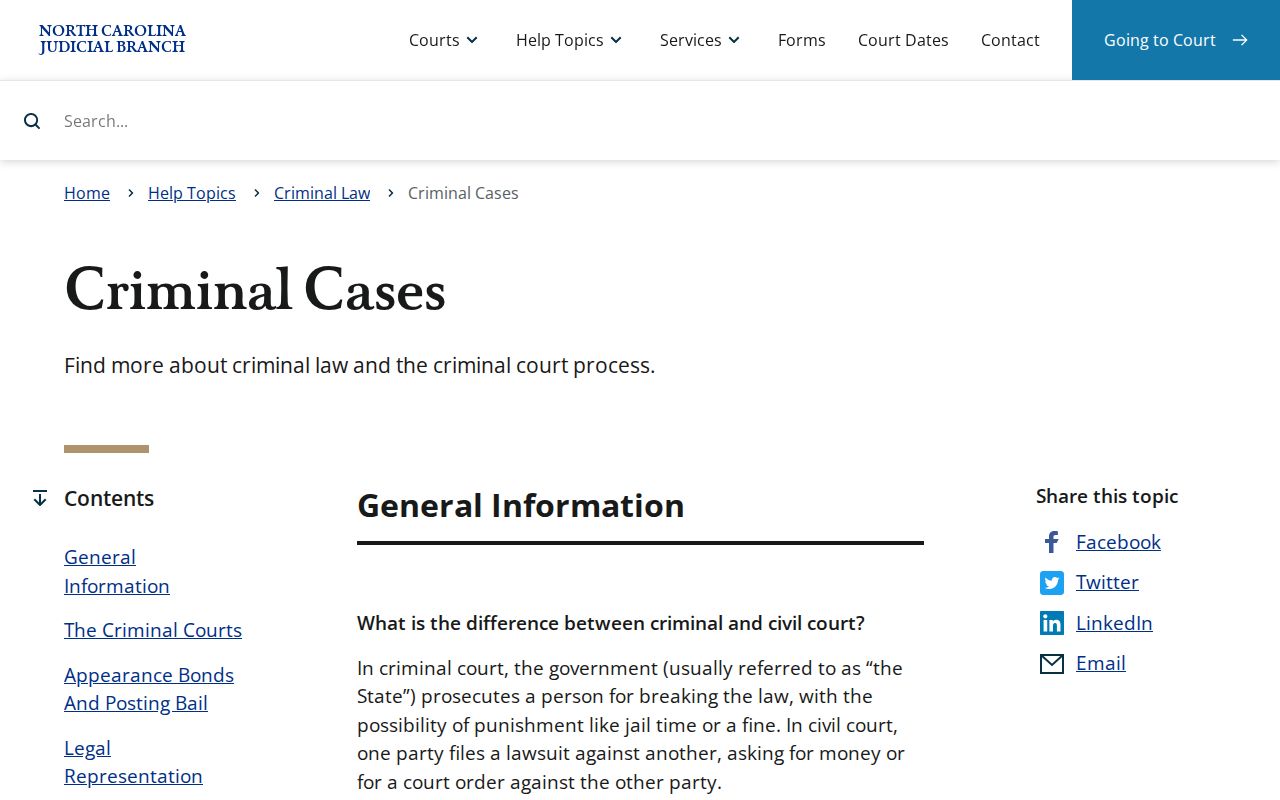
That overview helps you tell a docket event from a final outcome. It does not put every event or document on public display in an individual Robeson record.
Robeson Criminal Docket Certified Searches
Need a certified Robeson County criminal record? The Judicial Branch’s AOC-CR-314 form is the paper to file with the Robeson Clerk of Superior Court. It asks for the county and every name the person may go by. There is a checkbox for DMV hearings, plus requester certification, signature, and a clerk search area. Keep in mind what it is. This is a county-level, name-indexed clerk request. It is not a statewide sweep, and it will not replace reading the register when you already know the case number.
G.S. 7A-308 sets a $25 criminal record search fee. Copy, certificate, and exemplification charges under the statute are billed separately. The Robeson Clerk can confirm current submission and payment details before you mail anything, and the office sets its own expectations for turnaround and any copy delivery by email or expedited handling.
One last tip. A certified search and the free online Case Summary do different jobs, so name the product you want when you contact the Clerk.
Courts That Hold Criminal Dockets
Robeson criminal dockets sit inside North Carolina's unified General Court of Justice. That system serves Judicial District 20. Misdemeanors and infractions belong to Robeson District Court. Felonies take a two-step path. Preliminary proceedings happen in District Court, and the trial itself moves to Superior Court. A misdemeanor appeal also travels upward. It lands in Superior Court for a brand-new trial. That is a different thing from simply pulling the earlier docket entry and reading it.
For the structure behind all this, the Judicial Branch's court-types explanation lays out the District Court and magistrate setup. That setup supports the Robeson county system.
Check the case type and assignment data on a Robeson record. That shows which division handled it. A city name or mailing address does not create some separate local criminal docket system. Everything runs through the same county courts. The Judicial Branch’s Superior Court overview describes the felony-trial jurisdiction. That jurisdiction governs Robeson Superior Court cases.
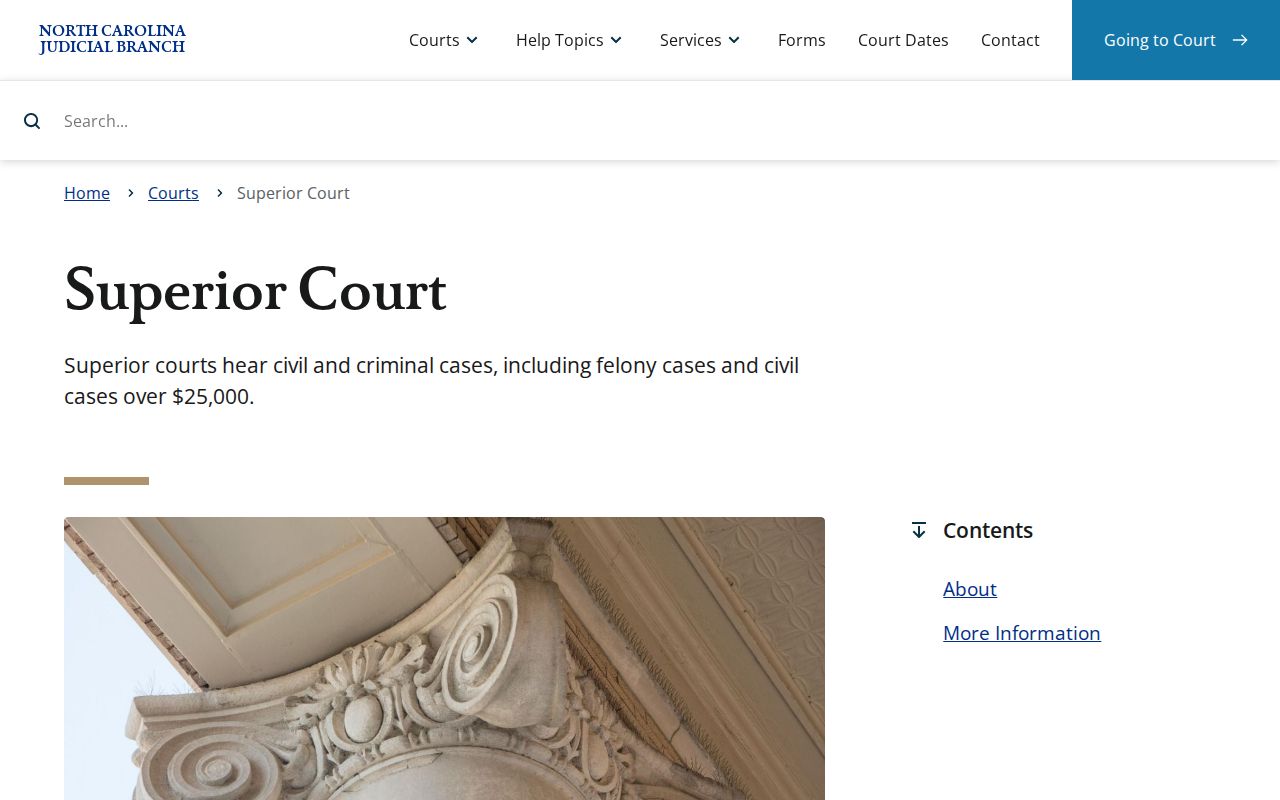
This split between court levels explains a common sight in Robeson criminal records. One case can show early District Court activity and later Superior Court proceedings, and both belong to the same matter.
Robeson Criminal Docket Calendar Use
A calendar schedules hearings. It does not tell the story of a case, and it never proves an outcome. For criminal court dates, the Judicial Branch offers a Robeson criminal-calendar results channel. The county’s local administrative schedules index pulls together Superior, District, magistrate, and related materials. Column layouts on the live calendar can shift, so check the actual result view yourself.
Portal Search Hearings works differently. You can filter by location, hearing type, search type, and date. The search type sets what it accepts. Options include a Robeson case number, a party or business name, an attorney name or bar number, a judicial officer, or a courtroom. One gap to know: the Portal does not say whether a hearing is virtual or in person. For that, rely on current instructions from the clerk or courtroom handling the matter.
Sealed Dockets and Public Access
Who holds the records? G.S. 7A-109 puts Robeson court files, dockets, and indexes with the Clerk, and it opens them to public inspection during regular office hours, within legal limits. Public Portal access is narrower than people assume. Not every case or document appears there. Sealed and confidential materials stay off-limits to public users. Juvenile records are confidential under G.S. 7B-3000, and an expunction order removes the covered entry from public court records under G.S. 15A-153.
The Portal FAQ flags more Robeson limits, including domestic-violence web display rules, unreturned warrants, protective-order materials, victim details, and exact birth dates. Some records need clerk-specific review before release. And a public absence proves nothing about a person or a case.
Public-access rules:
G.S. 7A-109 places Robeson court files, dockets, and indexes with the Clerk and provides the inspection baseline.
G.S. 7B-3000 limits public inspection of juvenile records.
G.S. 15A-153 addresses removal of applicable public entries after an expunction order.
The General Assembly’s court-record custody statute is the official source shown below.
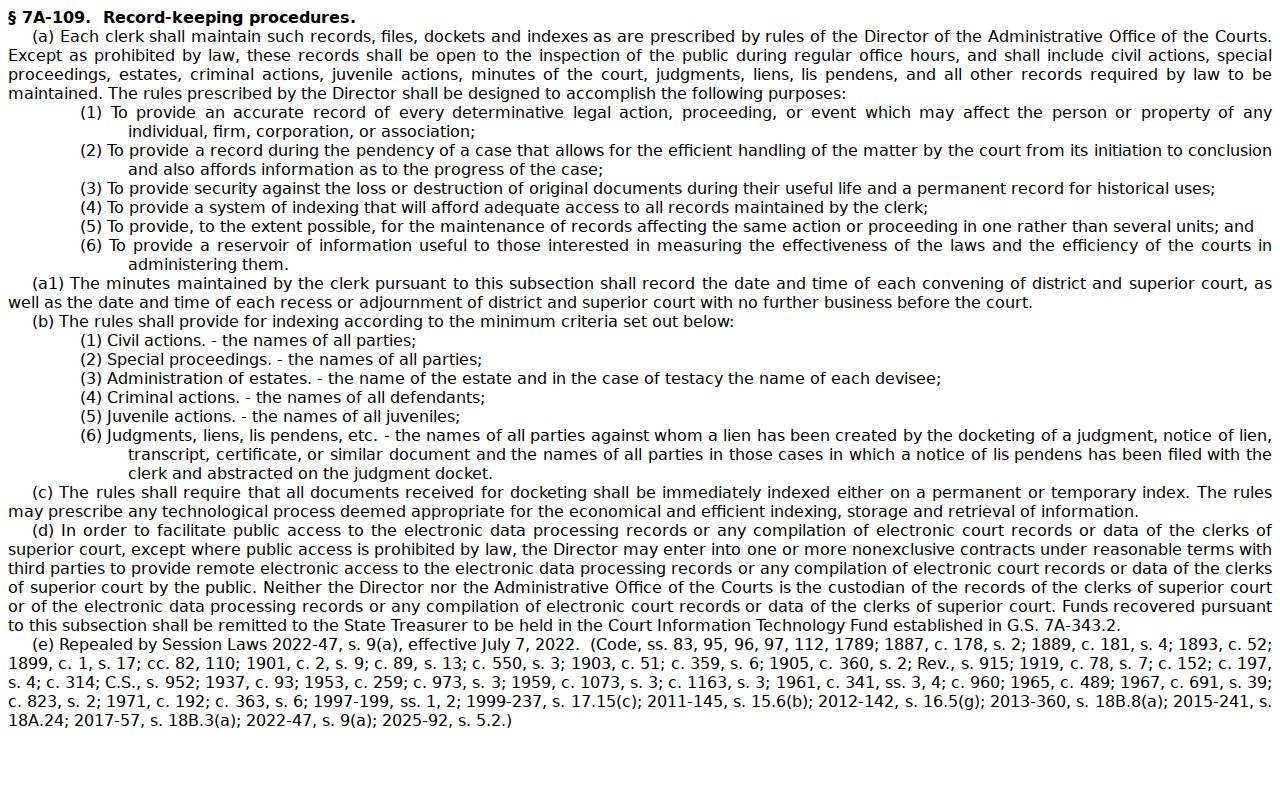
The statute anchors Robeson public-inspection rules while leaving the county’s sealing, confidentiality, and restricted online display limits fully intact.
Robeson Criminal Docket Legacy Files
Robeson joined eCourts on February 3, 2025. That switch brought Portal, eFiling, and the Enterprise Justice case-management system to the county. Older ACIS, VCAP, OCAP, CCIS, and PayNCTicket data was converted into the new platform. Even so, the Portal FAQ notes that some historic paper files stay with the clerk. That split matters in practice. A Portal search can come up empty. Then take a case number, date range, and known case type straight to the Robeson Clerk.
The eCourts go-live announcement documents the Robeson transition. File & Serve serves parties and attorneys filing in eCourts counties. It is not a public docket substitute. Older files, available copies, and certification questions remain with the Clerk. That is the local office to call.