
Getting Robeson County Court Records
Under G.S. 7A-109, the Robeson Clerk keeps the county's court files, dockets, and indexes. Start your lookup with the North Carolina eCourts Portal. It may show an available Case Summary or document that identifies the record. Need a paper file, official copy, or certified product instead? Contact or visit the Robeson Clerk. Bring the record number, case type, document title, and date if you know them. The clerk in the county where the case sits always holds the file itself.
- Use Portal to find an available record number, case location, Case Summary, or Register of Actions.
- Identify the exact item needed, such as a case register, order, judgment, docket entry, certified search, audio, or transcript.
- Contact the Robeson Clerk by phone or at the counter for a Robeson file, then provide the case number and document details.
- Ask which statutory copy, certificate, or search fee components apply before paying for the requested product.
One distinction trips people up. The Portal lets you view and search, but it does not issue certificates. A request for a county case file is not the same as a request for Judicial Branch administrative records. Those are separate tracks. The Administrative Office of the Courts does not hold Robeson case-file originals. So the clerk is where a case document request lands. For a Robeson County case, the Robeson Clerk can tell a Portal finding apart from an official court-record product. Note: Naming the case number and the exact document helps. That beats just asking for "the file" and makes any Robeson court record request more accurate.
Robeson Court Records at the Clerk
The Clerk's counter handles files held in Robeson: paper material, official copies, and access questions. Statewide guidance allows public terminals at a clerk's office in any county, but that convenience does not shift custody of the local case file away from Robeson. A terminal is just an access channel. The clerk remains the source for certified products and clerk-held paper records. The Judicial Branch court-records guidance spells out how clerk-office record access and terminal use work.
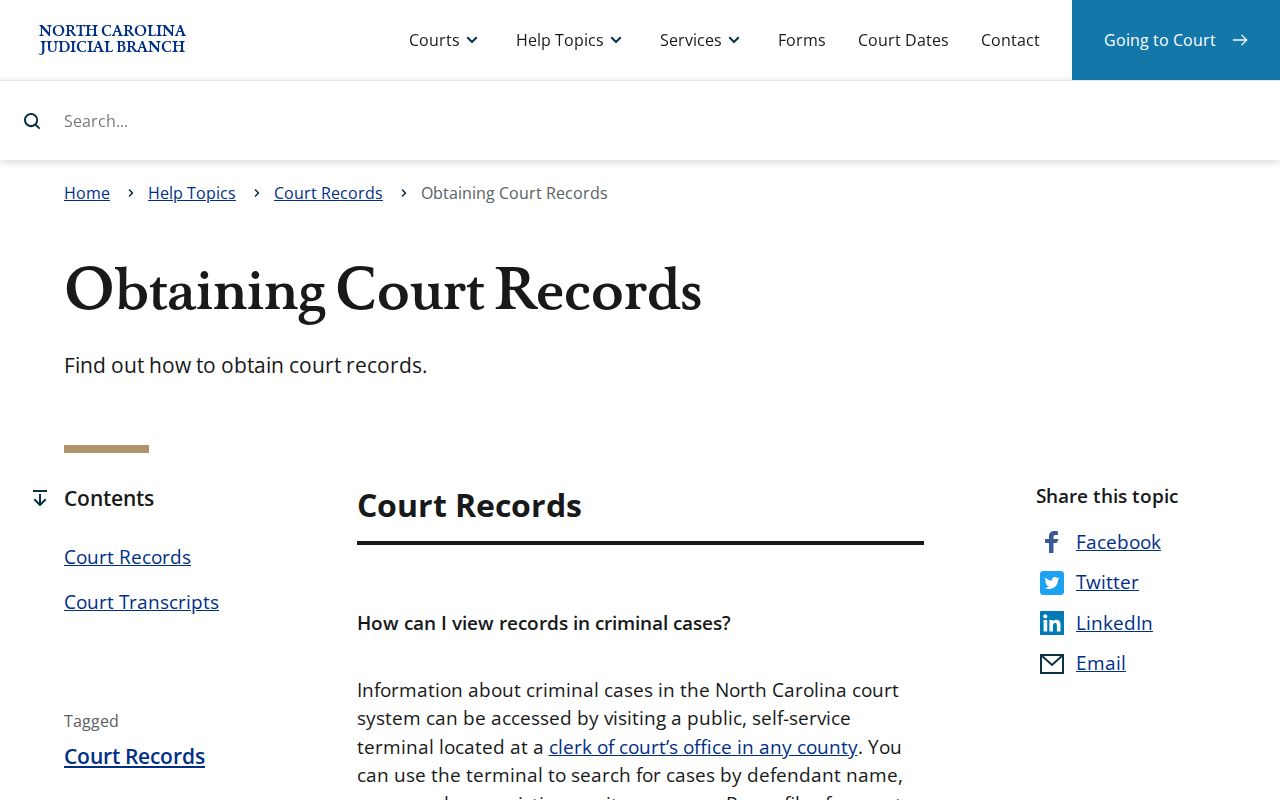
So a statewide search route can support a Robeson court record search. Still, an online result never becomes an official clerk copy on its own.
Robeson County Courthouse
500 N. Elm St., Room 101
Lumberton, NC 28359
Monday through Friday, 8:15 a.m. to 5 p.m.
910-272-5900
Even if another county's office provides the terminal, the request itself stays tied to the Robeson case location. Custody follows the case, not the keyboard.
Court Record Types
What counts as a Robeson court record? The clerk-maintained case files, dockets, and indexes covered by the court-record custody statute. All are subject to confidentiality and sealing rules. Portal may display an available Case Summary or Register of Actions. The clerk routes requests for the underlying file or an official product. What you can get depends on the record type and the access limits that apply.
- Case numbers, court locations, case types, and status information.
- Case events, hearings, dispositions, and available financial information.
- Orders, judgments, and other filed case materials when public access permits.
- Civil causes of action where the Case Summary provides that field.
- Certified criminal name-index searches through the county clerk process.
A court record is not one uniform packet. Ask for the specific order, register, document, copy, or certification you need. That keeps a request tied to the actual Robeson case, and it guards against assuming every public result contains every filed item. A Robeson County requester who identifies the record type first will have an easier time when the Robeson Clerk handles the copy.
Robeson Court Record Search Channels
Portal and public terminals serve lookup needs, not certification. Portal works for ordinary public searching with no registration, though CAPTCHA verification may appear. Terminals sit in clerk offices in any county. For a Robeson case, search with the record number and county location. Then turn to the Robeson Clerk. That office holds the file, document, or certified product when you need it.
| Channel | Best use | Important limit |
|---|---|---|
| Portal | Available Case Summary, hearing, and document search. | It is not a certificate service and may not show restricted or paper-held material. |
| Clerk-office terminal | Public computer access at a clerk’s office. | It does not change which county clerk holds the case file. |
| Robeson Clerk counter or phone | Paper files, copy questions, certifications, and local access routing. | No Robeson email delivery or turnaround time was published in the reviewed sources. |
Count on neither expedited processing, an email-copy path, nor a standard turnaround. The Robeson Clerk sets the delivery method and timing. Current clerk instructions are the right source for both. The channels work together in practice: Portal locates an available Robeson record, and the clerk handles local file needs. Note: A search channel can find available information. The clerk alone controls the local file and the certification route.
Inside a Robeson County Court Record
A Robeson County Case Summary is also called the Register of Actions. It is a structured view, not a full story. It can show case and assignment information, parties as allowed, events, hearings, dispositions, and financial information. Civil, family, probate, and related cases may also list causes of action where that applies. Public results leave out victims. They also mask an exact date of birth.
| Record number | The formatted identifier and Robeson location used to distinguish the case from similar results. |
|---|---|
| Case and assignment | Case type, status, and assignment information where the record displays them. |
| Parties | Allowed party information. Public results omit victims and mask an exact date of birth. |
| Events and hearings | Chronological entries and settings. A listed hearing is not proof that it occurred. |
| Disposition and financials | Recorded outcome or status actions and available financial information, read with the full record history. |
One quirk deserves a warning. Historic events migrated from older systems can display 12:00 a.m. as a conversion artifact. That timestamp does not mean anything happened at midnight. Read the dated Robeson register entries, and call the clerk when timing or status actually matters. Keep the Robeson record number beside each court document you request, too.
Robeson Court Record Request Forms
The Judicial Branch public-record request route covers its own administrative records. It does not stand in for a request to the Robeson Clerk for a county case file. So use that route only for Judicial Branch administrative material. A case file, order, register, paper record, or certified court product starts with the clerk who holds the case. The Judicial Branch request guidance lays out that split, and it shows which records each office handles.
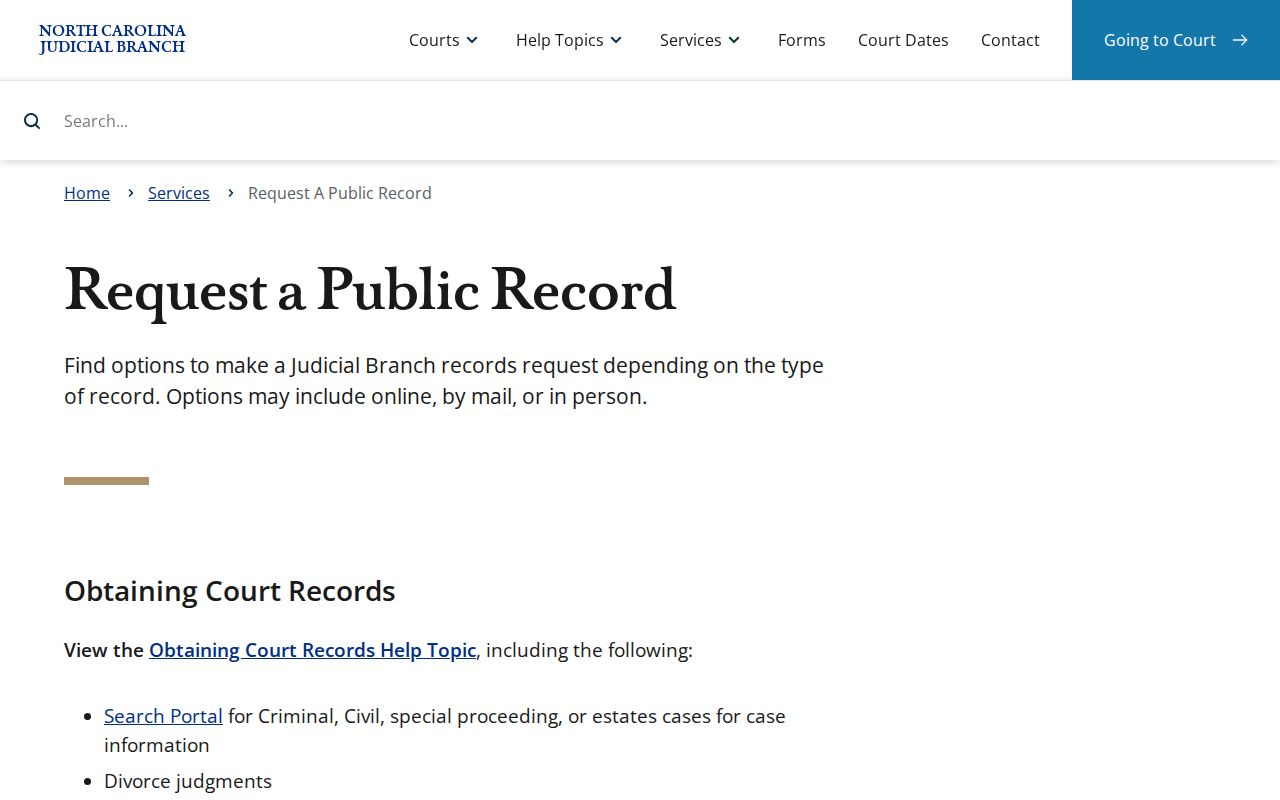
Its routing language keeps a Robeson case-file request at the county level rather than folding it into a general administrative request. The Judicial Branch public-record request form is the official entry point for that administrative form.
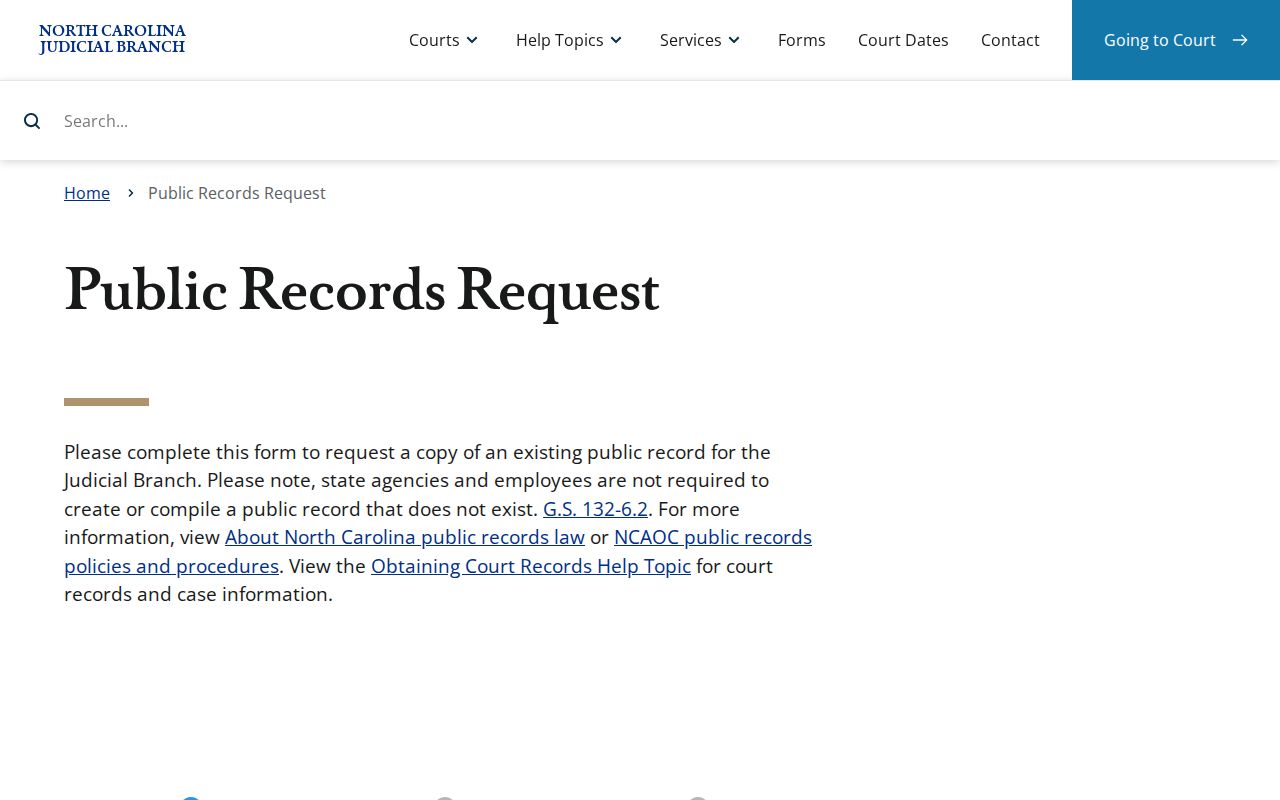
Filing that form does not shift a Robeson County case-file request away from the Robeson Clerk. The clerk stays the holder of the file no matter what administrative paperwork you complete. For a certified criminal name-index search, use AOC-CR-314 with the Robeson Clerk. The blank form asks which county gets searched. It also covers any names a person may go by, requester details, and the clerk's search and certification entries. One county gets searched. It is not a statewide result.
Fees and Certified Copies
G.S. 7A-308 breaks court charges into separate line items: copies, certificates, exemplifications, and criminal searches. Each is its own product. A plain copy is not a certificate under seal. An exemplification differs again. The published amounts should not be lumped into one universal "certified-copy fee." Before sending money, ask the Robeson Clerk which components apply to the exact document or certificate you need. The G.S. 7A-308 fee schedule publishes those components. That official statute page shows each line item.
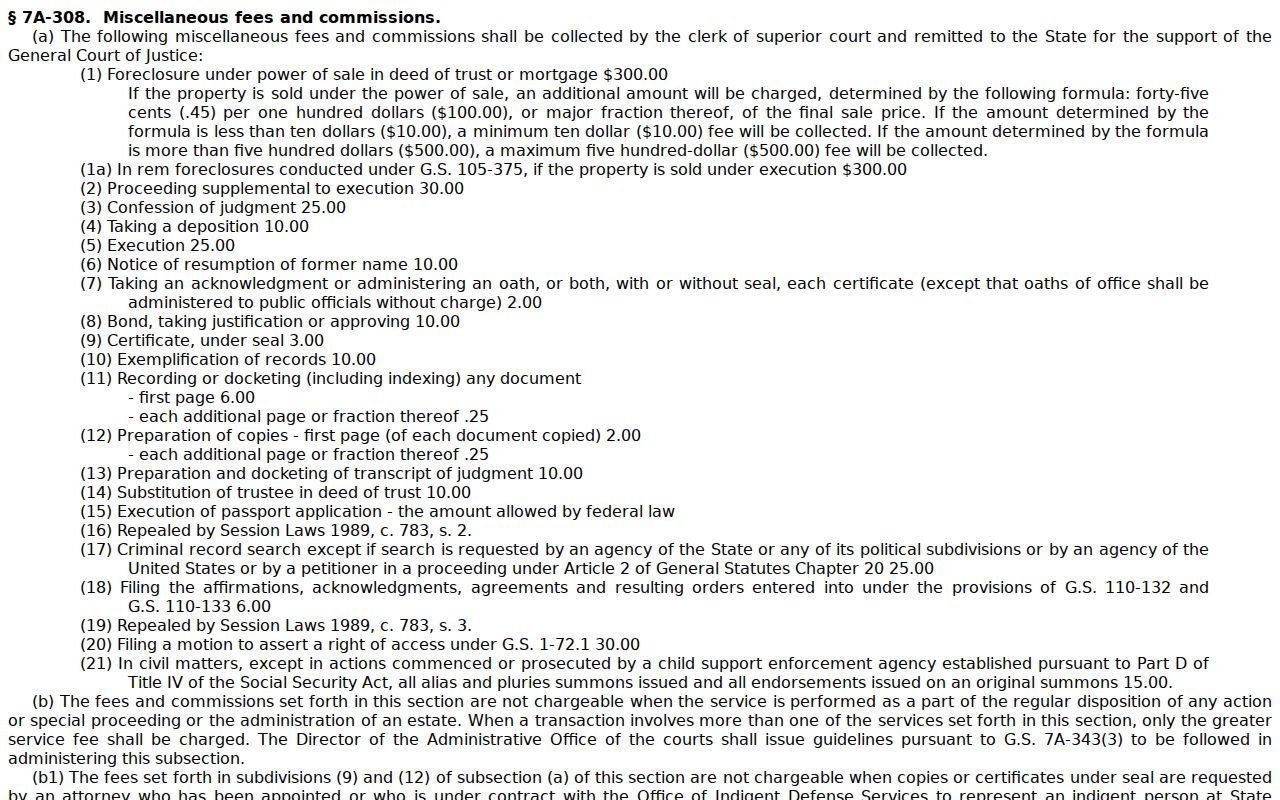
The statute breaks the cost into separate line items, so what you pay hinges on which product you order and how many pages it runs.
| G.S. 7A-308 item | Published amount | Request note |
|---|---|---|
| Certificate under seal | $3.00 | Ask the clerk what certificate or certification is appropriate. |
| Exemplification | $10.00 | A separate statutory item from a certificate. |
| First page of each copied document | $2.00 | Applies to the preparation of copies under the statute. |
| Each additional copied page | $0.25 | Confirm the final page count. |
| Criminal record search | $25.00 | A county-specific AOC-CR-314 search process. |
Robeson County fee components attach to the specific Robeson court-record product requested, not to a single universal charge.
Robeson Court Record Document Requests
Name the exact document when you write to the clerk. "The case file" is too vague. A strong Robeson request gives the record number, the court location, the case type, the document title, and the date if you know it. With those details the clerk can tell an order request from a register request. The clerk can also tell a certified copy from a plain copy, or a record search from a copy of one specific filing.
Audio and transcripts work differently. The statewide records guidance sends those requests through the appropriate clerk or court-reporting route. Not every proceeding gets recorded. Audio may not be releasable right away. A transcript does not ride along with an ordinary case-file copy. A Robeson County document request should tell the Robeson Clerk plainly which record you want. The clerk does not publish an email-copy process. There is no expedited option or standard turnaround time for court record requests.
Robeson Court Record Transcripts
Robeson transcript and audio requests run on their own track. They are separate from a standard copy request. The statewide records guidance points them to the appropriate clerk or court-reporting route. Give the Robeson case number, the hearing date, and the exact product you want. Those details let staff match the request to the correct process.
Do not assume every Robeson proceeding was recorded. Audio or a transcript may not be releasable on request, either. A case-file copy does not automatically include a transcript. The Robeson Clerk can identify the current route for the record you named. So can the reporting process. Treat a Robeson transcript request as its own court-record product. It may need more detail than a standard copy request.
Sealed Records and Public Access
G.S. 7A-109 sets the court-specific baseline for access. Under it, the clerk maintains court records, dockets, and indexes and lets the public inspect them during regular hours unless another law limits access. G.S. 132-1 states North Carolina's general public-records policy. Even so, custody of a court file and access to it still turn on the court statute and the applicable rules. A public Portal result appears only when the record's access status allows it.
Key access rules
G.S. 7A-109 directs clerk custody of court records, dockets, and indexes and the public-inspection baseline.
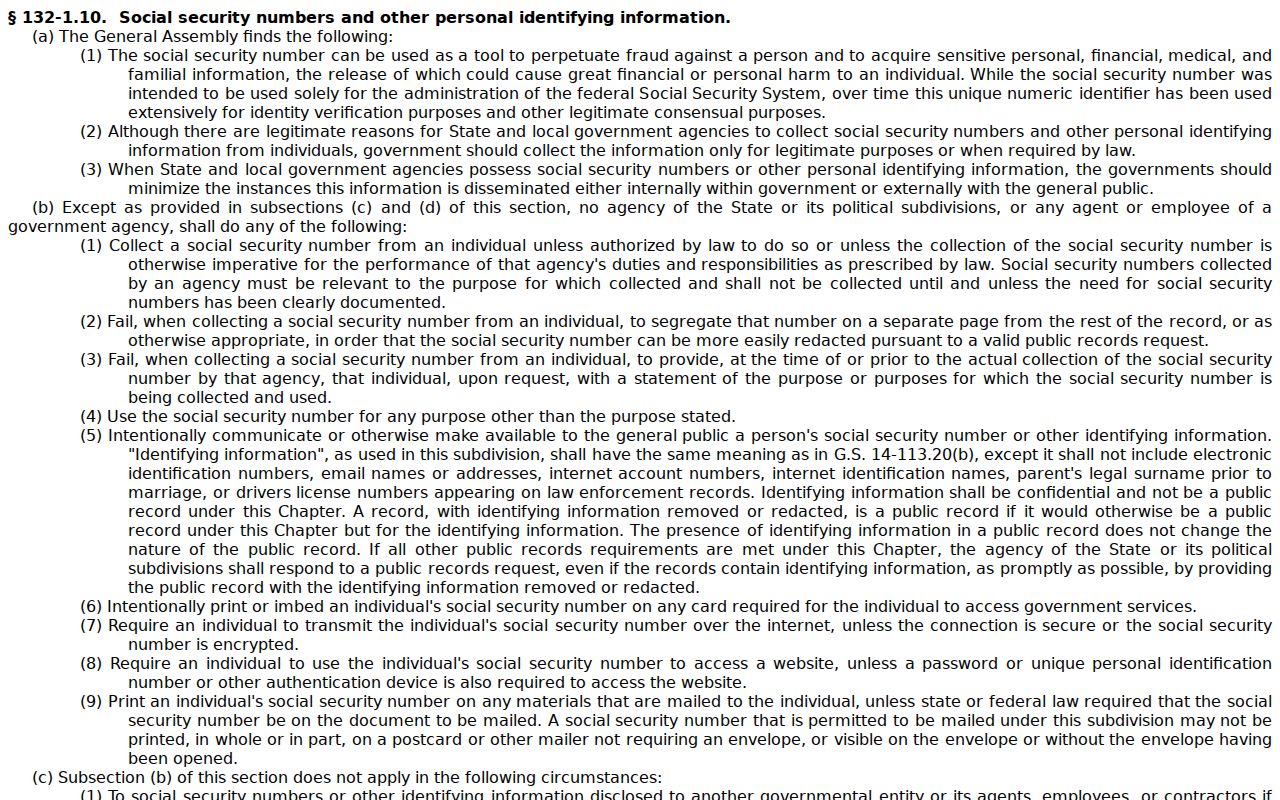
G.S. 132-1.10 supports removal or redaction of specified personal information from publicly available court images.
G.S. 15A-153 removes the applicable entry from public court records after an expunction order.
G.S. 7B-3000 makes juvenile records confidential except where statute or court order permits access.
The public-image redaction statute addresses a limit that can affect what appears online.
Redaction rules do not erase the clerk's custody role. Nor do they open a restricted document to the public. Sealed and confidential cases or documents stay out of Portal. Juvenile matters are restricted. Some domestic-violence data cannot be shown on the public web. Certain unreturned warrants or protective-order materials call for elevated access. A missing result can also stem from a wrong identifier, processing status, a paper-held file, or a search that simply did not match. Ask the Robeson Clerk to confirm the right route. Do not read meaning into an empty result.