
Searching Robeson County Civil Dockets
The free public route into a Robeson civil docket search runs through the North Carolina eCourts Portal. Smart Search takes a full case number or a party name. Anyone can use it without registering. An optional account only adds features like My Cases, not extra access. Advanced controls narrow a search by location, case type, status, filing date, and other date criteria.
Set Robeson as the location first. A name search can pull back aliases, near-matches, and cases from other places. So open the Robeson Case Summary only when the case number and case type line up. That summary, also called the Register of Actions, is the Portal's record-detail view. There you can read the filing, hearing, event, disposition, and financial entries in order.
- Open Portal and enter the Robeson record number or party name.
- Confirm Robeson location, then narrow by civil case type, status, or date when needed.
- Open the matching Robeson Case Summary and verify the record number and parties.
- Read Robeson filing events, hearings, dispositions, and available documents in date order.
- Use the civil calendar or Clerk route when a hearing date, copy, older file, or access question remains unresolved.
Robeson Civil Docket Portal Filters
The Portal's civil categories make useful Robeson search vocabulary, nothing more. They don't fix a case's legal outcome. They don't override how the Robeson Clerk classifies the file. The advanced guide lists Civil General, Civil Magistrate, Civil Foreclosure, Bond Forfeiture, Summary Ejectment, non-domestic restraining-order matters, and several domestic categories. A case-status filter can narrow things further. But the label only makes sense once you read the full register.
- Civil General
- A Robeson Portal case-type label for a civil category; it is not a summary of every issue in the case.
- Civil Magistrate
- A Robeson Portal label that helps identify a magistrate civil route, including the small-claims setting where applicable.
- Filing date
- The date a Robeson case was filed, not a finding that a hearing occurred or an outcome was reached.
- Case status
- A Robeson system label such as Pending, Appealed, Reopened, Stayed, or Transferred; it is not the full reason for the entry.
- Register of Actions
- The chronological Robeson Case Summary record of available filings, events, hearings, and dispositions.
The Portal hides exact dates of birth from the Robeson public view. Sealed, confidential, or restricted material stays off limits too. Narrow a broad name result, then verify it by case number and location rather than calling it a match.
Inside a Robeson County Civil Docket
A Robeson civil Case Summary can list the case number, court location, filing date, case type and status, permitted party names, causes of action in civil, family, probate, or mental-health matters. It may also show events, hearings, dispositions, and financial details where entered. Not every field shows up in every Robeson case. The docket works best as a dated log of court activity. So read a hearing entry together with the later order. Don't treat each line as its own story.
| Record number and location | Identifies the case and confirms that it is a Robeson County civil record. |
|---|---|
| Filing date and case type | Shows when the Robeson case began and the Portal category used for the record. |
| Parties and causes of action | Displays public information as available, with causes of action in applicable matter types. |
| Events and hearings | Provides the available chronology of filings, notices, motions, settings, and court activity. |
| Disposition and financial information | Shows populated outcome and financial entries that should be read with the event sequence. |
Labels like Transferred to Superior Court, Trial De Novo, Unserved, or Stayed are Portal statuses. The Robeson record and any order explain why the status is there.
Robeson Civil Docket Court Routes
Court division shapes any Robeson civil docket reading. District Court generally takes civil actions of $25,000 or less. Superior Court handles the ones above $25,000. Within the District Court division, Robeson magistrates hear small claims up to $10,000. They also hear summary-ejectment matters. A small-claims appeal moves to District Court. That route brings a fresh trial before a judge or jury.
| Court path | Robeson civil docket context | Useful record check |
|---|---|---|
| Magistrate | Robeson small claims up to $10,000 and summary ejectment. | Confirm the Civil Magistrate label and case record. |
| District Court | Robeson civil actions generally $25,000 or less, plus small-claims appeals. | Review assignment, setting, and later event entries. |
| Superior Court | Robeson civil actions generally above $25,000. | Confirm the case type, assignment, filings, and calendar status. |
For the official rules on how civil matters are allocated, the Judicial Branch's lawsuits and jurisdiction explanation lays out which court hears which kind of case.
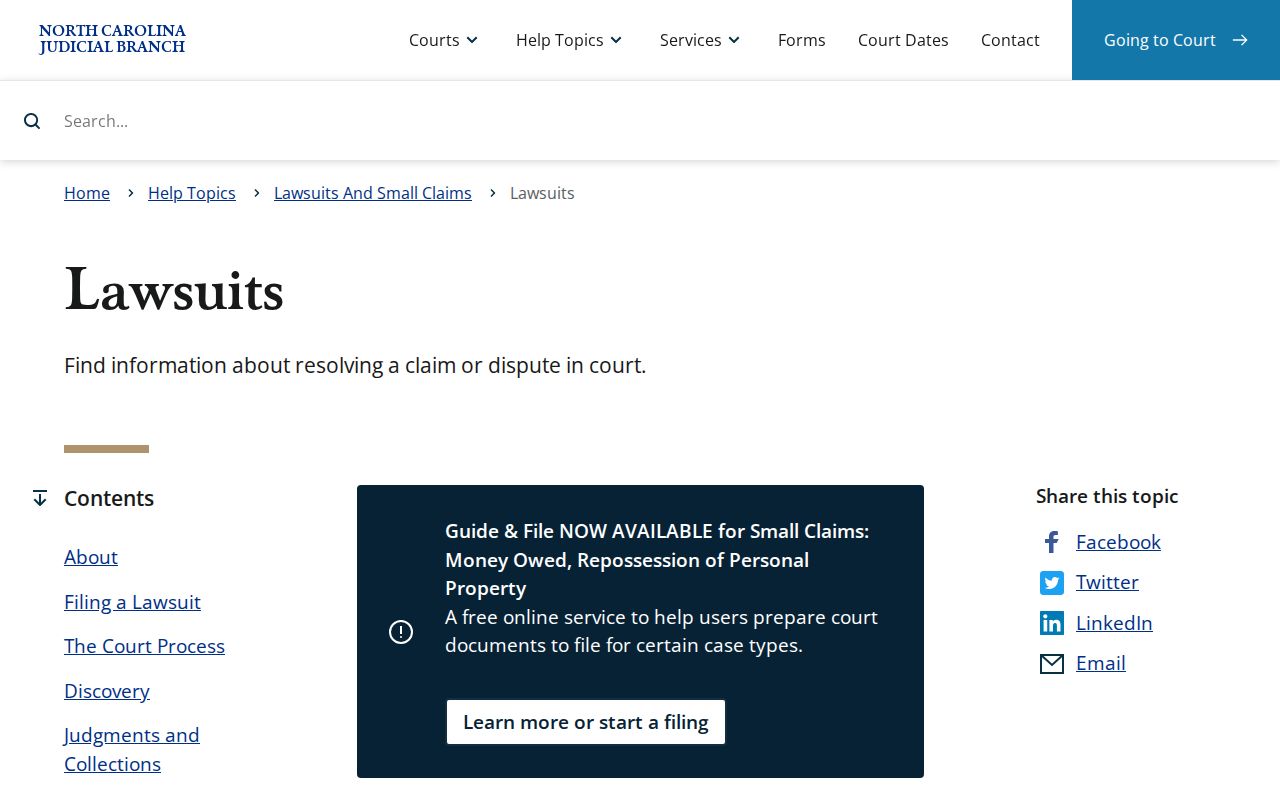
That jurisdiction page frames the routing question, but it names no specific case. For a particular Robeson civil docket, the case number and its court assignment settle the matter.
Civil Case Types on the Docket
Robeson civil dockets can carry general civil, magistrate, foreclosure, bond-forfeiture, confession-of-judgment, summary-ejectment, and non-domestic restraining-order categories. The Portal guide also lists specified domestic categories. Those labels help tighten a Portal search. They can't state the full claim. They can't explain a result or promise that every document is available.
Robeson small claims start with a magistrate. That path stands apart from a general civil action. It shows up in the court assignment and record category. If the case is appealed to District Court, the route is a new trial. It is not a continuation of the first hearing entry. The Judicial Branch's small-claims court page describes the magistrate route behind these Robeson civil docket results.
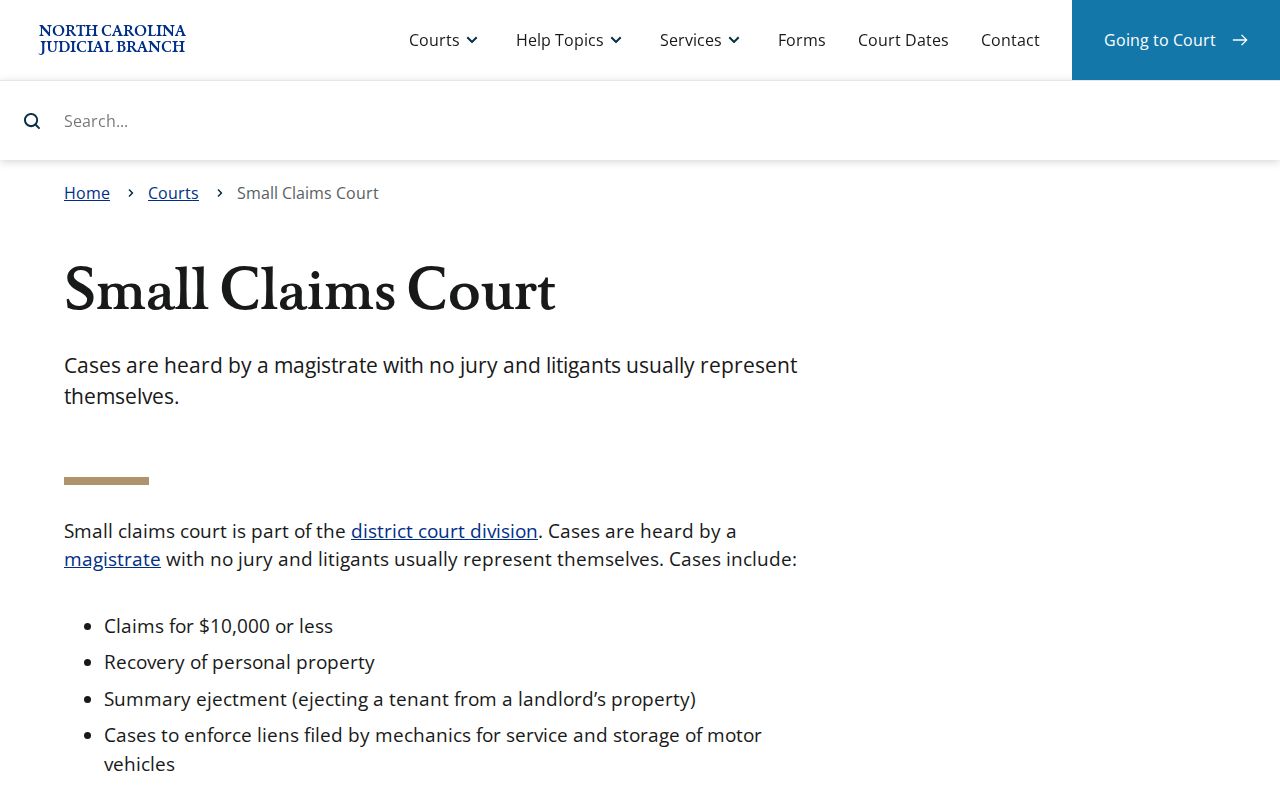
The small-claims page gives court-path context only. It can't show that a given case is public, current, or set for a hearing.
Robeson Civil Docket Calendar Checks
A civil calendar setting in Robeson County only tells you an event is on the schedule. It does not prove a hearing took place. It does not show that a final order was entered or that the status line explains the outcome. For a current Robeson listing, check the Judicial Branch's Robeson civil-calendar channel. Check the county's local schedule index too. The calendar display can shift, so read the current page before counting on any one field.
Robeson's local rules and forms index gathers a Civil Calendar Request (PRE-T), a custody cover sheet, and an equitable-distribution affidavit. It also gathers related materials. Those items are linked locally for the county. The index by itself sets no reliable deadline. Confirm against the current Robeson rule or administrative order.
The official local-rules page behind that index is what the state publishes. It covers these civil forms and scheduling materials.
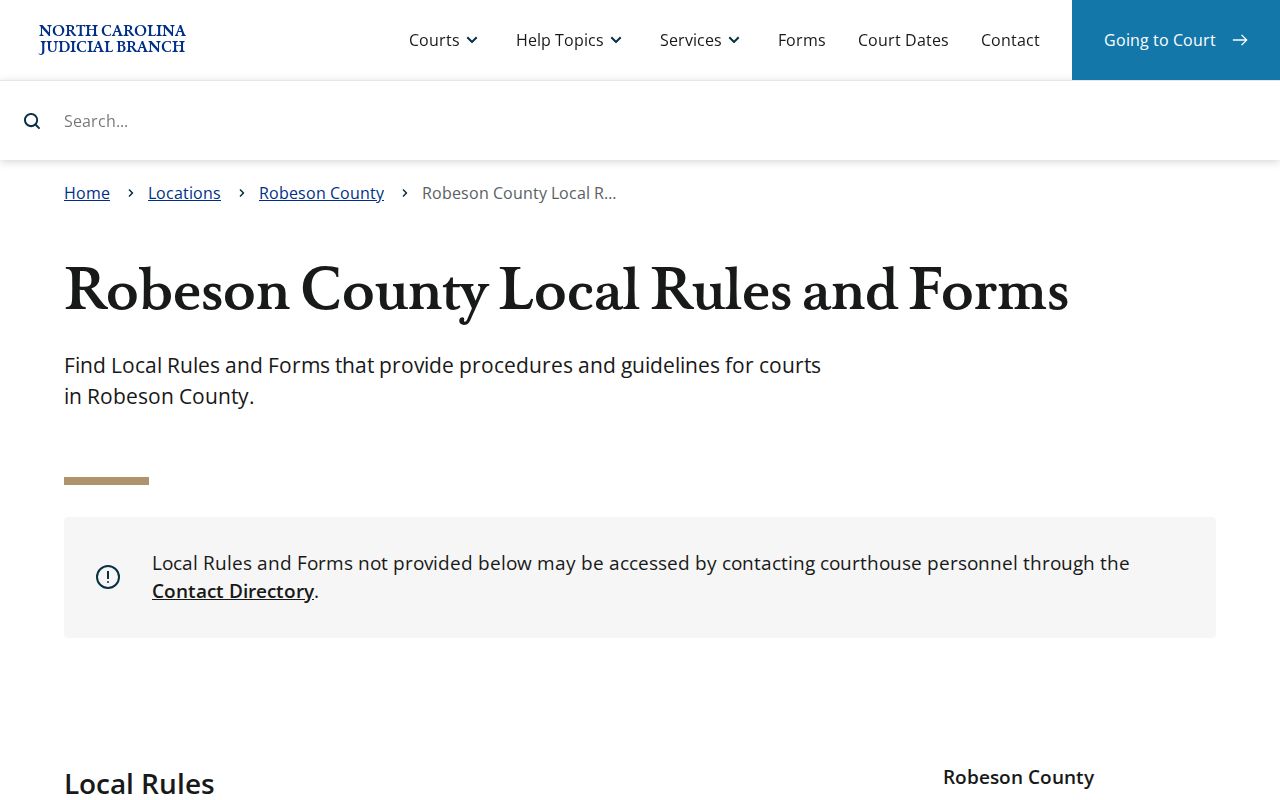
Pair the current linked materials with the Case Summary whenever a Robeson civil docket needs a scheduling or filing follow-up.
Note: Portal hearing search never says whether a setting is virtual or in person. Get current attendance instructions from the clerk or the courtroom.
Civil Docket Settings and Hearings
Portal Search Hearings can narrow a Robeson civil hearing search by location, hearing type, search type, and date range. The criteria depend on the search type you pick. Options may include a Robeson case number, a party or business name, an attorney name or bar number, a judicial officer, or a courtroom. A case number is the clearest link. It ties a hearing listing to the right Robeson civil record.
Treat the Robeson calendar as a forward list. Treat the Case Summary as the chronology of record. A reset, a continuance, or a later Robeson filing can change what the next setting means. Portal lets you choose a single date or courtroom and sort hearing results. But it will not display virtual or in-person status. Ask the Robeson clerk or courtroom for that current detail.
Robeson Civil Docket Clerk Copies
Portal is a Robeson access and viewing route, nothing more. It does not certify. Need a paper-held file, an official copy, a certificate, a historic record, or a document that never appeared online? Contact the Robeson Clerk of Superior Court for those. Give the Robeson record number, case type, document requested, and date if known. The Judicial Branch says clerks hold court files in the county where the case is located. Public terminals work at any county clerk's office.
Robeson Clerk of Superior Court
Robeson County Courthouse
500 N. Elm St., Room 101
Lumberton, NC 28359
910-272-5900
G.S. 7A-308 lists Robeson fee items separately. Confirm the final product and charge with the Clerk rather than folding them into one certified-copy price.
| Statutory item | Published amount |
|---|---|
| First page of each copied document | $2.00 |
| Each additional copied page | $0.25 |
| Certificate under seal | $3.00 |
| Exemplification | $10.00 |
Civil Docket Access Rules
G.S. 7A-109 directs the Robeson Clerk to maintain court records, dockets, and indexes, and to keep them open for public inspection during regular office hours unless law provides otherwise. G.S. 132-1 supplies North Carolina's general public-record policy. Robeson court-specific custody and access still answer to the Clerk statute. They also answer to applicable court limits. Reaching a docket does not promise full online access. Every document, image, or personal field may not be available.
Portal excludes sealed and confidential Robeson material from public access. Robeson juvenile records carry their own confidentiality rule. It appears in G.S. 7B-3000. Some domestic-violence information cannot be displayed on the public web, and G.S. 132-1.10 supports redaction or removal of specified personal information from public court images. When a Robeson civil item is restricted, historic, paper-held, or simply unavailable, contact the Robeson Clerk. That is the accurate next step.
Access references:
G.S. 7A-109 sets the clerk-held court-record and public-inspection baseline.
G.S. 132-1 states North Carolina’s general public-record policy.
G.S. 132-1.10 addresses specified personal-information limits in public court images.
The General Assembly’s public-record policy page is the official source shown below.
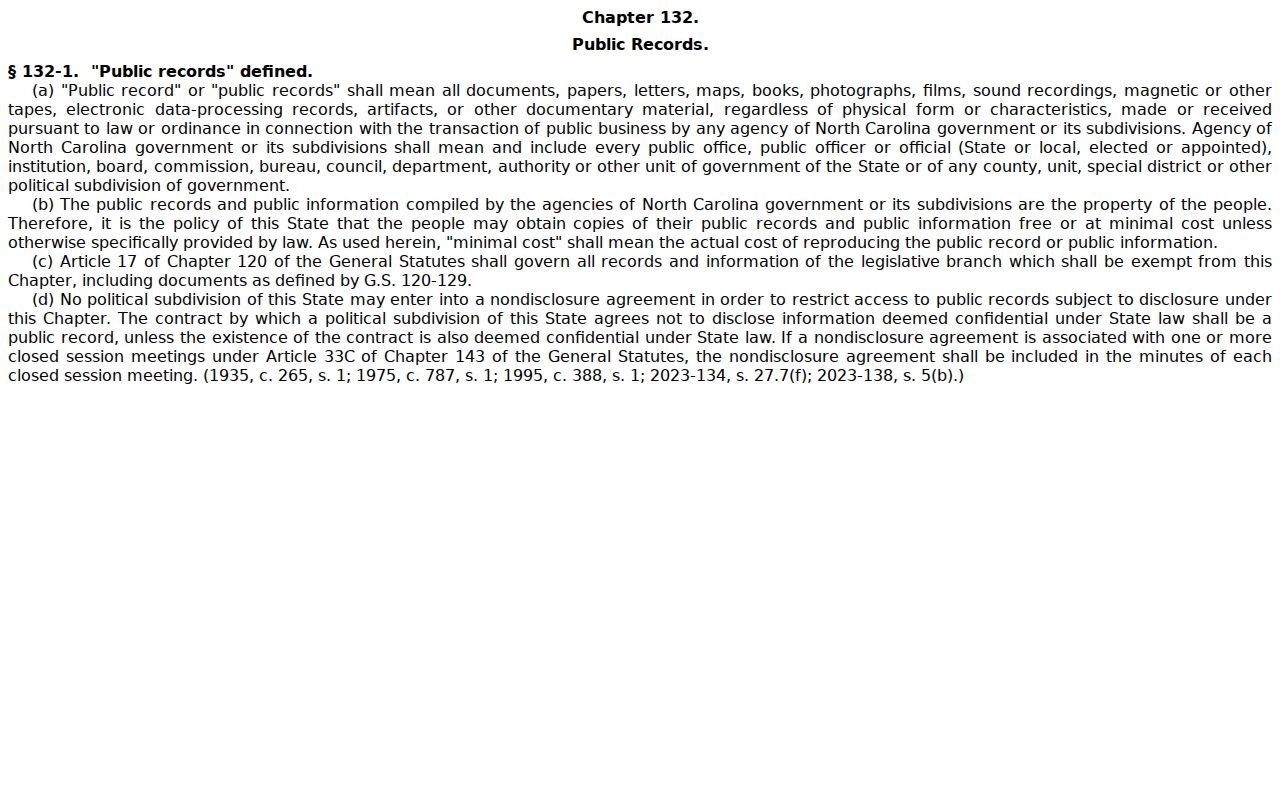
The statutory page gives policy context. The Clerk and court rules set the route. For any one civil record, the applicable rules and the Clerk determine how it is reached.
Robeson Civil Docket Legacy Files
Robeson joined eCourts on February 3, 2025. That move brought Portal, eFiling, and the Enterprise Justice case-management system to the county. Information migrated from the legacy ACIS, VCAP, OCAP, CCIS, and PayNCTicket systems. The Portal FAQ also cautions that some historic paper files may remain with the Clerk. A civil record absent online may still need a clerk follow-up. Bring the record number and date range. The best available case description helps too.
North Carolina's eCourts information describes the statewide system. File & Serve handles filings for parties and attorneys in eCourts counties. It is not a public substitute. The civil Case Summary, the calendar, and the Clerk copy route stand apart.