
How to Search Cases by Name
Start a Robeson County name search in the North Carolina eCourts Portal. That statewide interface carries available Robeson County cases. Type the documented party name. Advanced controls then let you narrow the search by location, case type, status, filing date, and other date criteria. A name hit is only a candidate, though. Confirm the record number before you rely on the Case Summary. Also confirm the Robeson County location, the case type, and the displayed party details.
- Open Portal Smart Search and enter the party name in the format the interface requests.
- Set or confirm the Robeson location, then use case type, status, filing date, or another available filter to narrow similar names.
- Open the candidate record and compare its number, location, assignment details, and allowed party information.
- Read the Case Summary/Register of Actions for events, hearings, dispositions, and financial information where the record makes them available.
The Portal takes more than a person name. Available search paths include a full record number, a citation number, a business name, an attorney name or bar number, and a case cross-reference or nickname. When a business is the known identifier, choose the business-name field.
| Search field | Type | Required | Robeson County use note |
|---|---|---|---|
| Record number | Formatted text | No | Use the full Robeson County number exactly when it is available. |
| Party name | Text | No | Refine with Robeson County location and case details. |
| Citation number | Text | No | Use a Robeson County citation when it is the identifier at hand. |
| Business name | Advanced text field | No | Use the designated Robeson County business search rather than a person-name query. |
| Attorney or bar number | Text criterion | No | Finds related Robeson County cases or hearings, not a complete narrative. |
Robeson County Case Search Fields
Portal Smart Search is the main public route for a Robeson County case lookup. The official training material covers basic number and name searching. It also explains advanced filters for location, party date-of-birth criteria, case type, case status, filing date, and other date criteria. One limit matters here. The public display masks an exact date of birth and shows only a year. That field cannot serve as a complete identity check. The Portal training and resources page for Robeson County searches publishes the official field and workflow material.
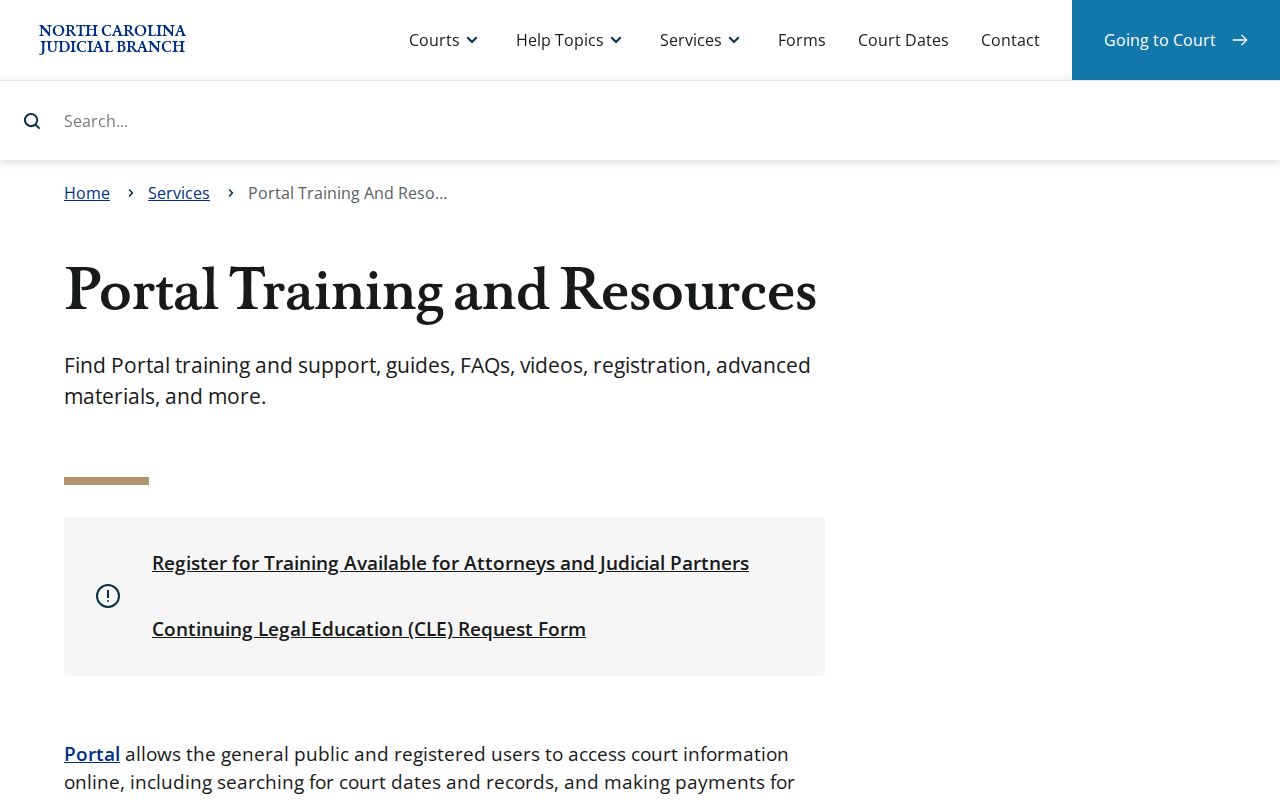
That training material is a safer reference for changing search controls than any guess about the live interface. Use filters that match what you already know. And confirm Robeson County before treating a statewide result as local.
Robeson County Case Search Wildcards
Portal supports wildcard searching, but documented minimums keep queries from getting too short. A record-number wildcard needs at least four characters followed by an asterisk. A last-name wildcard needs three characters plus an asterisk. A first-name wildcard needs one character plus an asterisk. A business-name wildcard needs at least four characters. Too many hits? Narrow the Robeson County location, case type, status, and dates. The public basic workflow returns up to 200 results. An overbroad Robeson County query can therefore be incomplete as well as ambiguous.
Note: Portal wildcards must meet the documented minimum character counts. An asterisk only works after those counts are met in a Robeson search.
How to Search Cases by Case Number
A full record number is the clearest input for a Robeson County case search. Portal describes the format piece by piece. It uses a two-digit year, case-type letters, and a six-digit sequence. A hyphen and a three-digit county code follow. The generic structure is YYTT######-CCC. Use every character the court or citation supplies. Do not recreate missing pieces from a name or date. With a current Portal record in Robeson County, the case number takes you straight to the Case Summary. There, available information can include the court location, assignment, parties as allowed, events, hearings, dispositions, and financials. It also sorts same-name results apart.
Robeson County Case Number Format
Robeson's county identifier is 770 in the AOC county-code reference. One format illustration is 25CR000001-770. It shows the order of the elements only. It says nothing about a live Robeson case. In that illustration, 25 is the year segment. CR is an example case-type code. 000001 is the sequence, and 770 is the county suffix. The AOC county-code reference identifies Robeson as 770. Use the suffix as a format check after you receive a full Robeson County number. It is not proof that any case exists.
Robeson County Case Filing Tools
File & Serve is the eCourts filing system. Attorneys and parties use it to submit filings. It is not a public case-search substitute. Nor should anyone treat it as a Robeson County public docket. For Robeson County cases, Case Summaries, registers, and hearing information, the statewide Portal is the public search route. Guide & File is likewise an official guided-form path, not a case database. The official File & Serve entry point identifies the filing service.
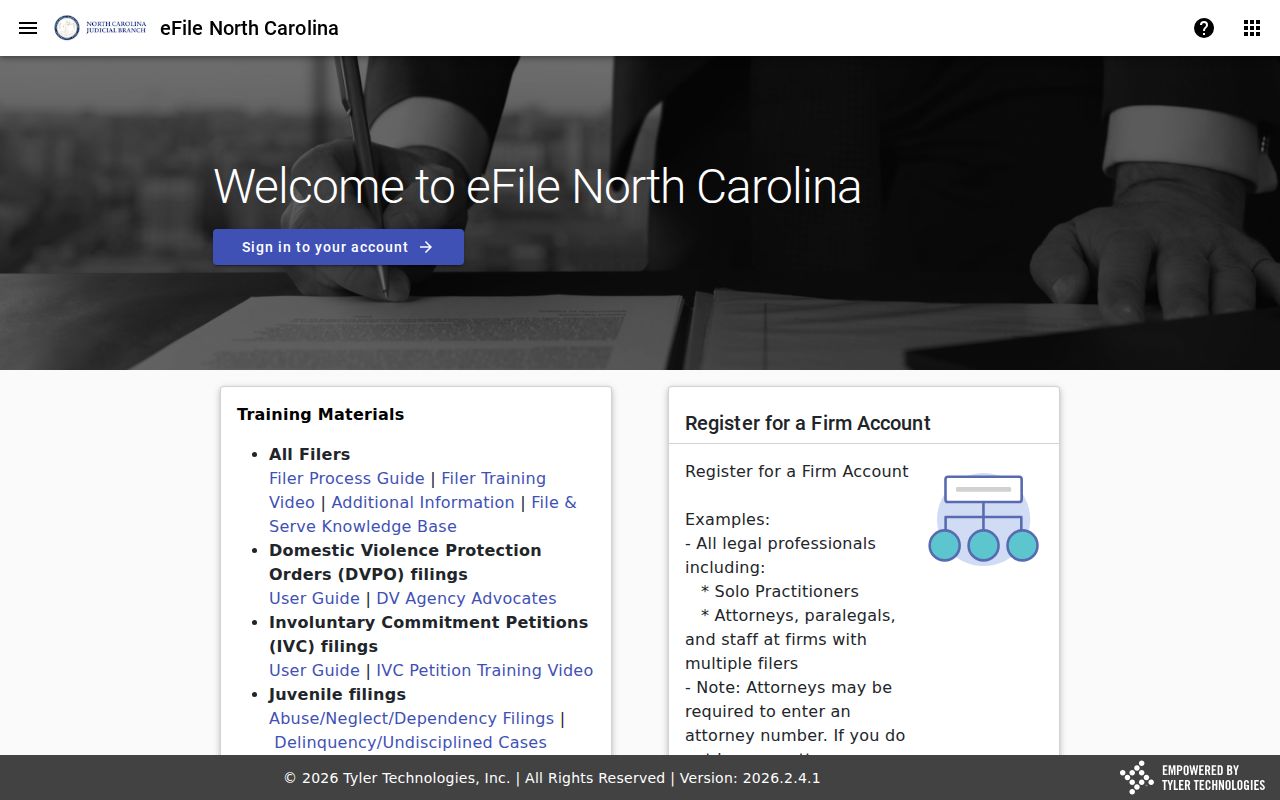
Keeping the filing workflow separate from a public Robeson County case lookup is what its distinct role is for.
Note: An official filing tool and a public case lookup have distinct functions in the Robeson County court system.
What a Case Search Shows
Portal can lead from a basic result to a Case Summary or a Register of Actions. In an available Robeson County record, that detail view may show Case Information, Assignment Information, Party Information as allowed, events, hearings, dispositions, and financial information. Civil, family, probate, and related matters may also include causes of action where applicable.
| Record number | The formatted identifier and Robeson County court location used to distinguish the case from similar results. |
|---|---|
| Case and assignment | Case type, status, and assignment information where Portal displays them. |
| Parties | Allowed party information. Public results omit victims and mask an exact date of birth. |
| Events and hearings | Chronological court entries and settings. A listed hearing is not proof that it occurred. |
| Disposition and financials | Recorded outcome or status actions and available financial information, read with the full record history. |
Read the most recent events together with the Robeson County case status. An older migrated event can display a 12:00 a.m. time. That comes from conversion out of a prior system, not from the event actually happening at midnight.
Robeson County Case Summary Review
A Case Summary is where a Robeson County docket search turns from a name match into a real case review. Begin with the record number and its location. From there, read the case type and status. Note the assignment details and the parties as listed. Then review events, hearings, dispositions, and any financial information shown. Work in that order. It keeps one matching name or a single calendar entry from being mistaken for the whole court record.
One term deserves care. A disposition is simply a recorded outcome or status action. A case-status label alone explains little. Read the dated entries for yourself, then confirm anything that matters with the clerk.
Robeson County Case Search Result Limits
The Portal's basic search can return up to 200 results. That is a lot to sort through. Whenever you can, search the full Robeson County record number instead. When a number is not available, tighten the query by location, case type, status, filing date, or another supported filter. Then decide if a result truly belongs.
Use the detail record. A name result is a lead; the record number, Robeson County location, and Case Summary are the fields that help confirm the correct available case.
The portal gives the public no batch reports and no notifications. Payment due dates are left out too. A docket entry will not tell you when money is owed.
Because Robeson County results are capped, tight filters beat a broad name search. The narrower your query, the fewer entries you have to dig through.
County vs Statewide Case Search
Robeson has no separate public county case-search database sitting alongside Portal. The North Carolina eCourts Portal is the statewide platform. It also serves as the public route for available Robeson cases. So the real choice is not county versus state. It is a search filtered to the Robeson location. Or it is a wider statewide search within the same official system. Filter by location whenever the case is known to be in Robeson.
| Robeson-focused Portal search | Statewide Portal search |
|---|---|
| Use or confirm the Robeson location. | Leave the search broad only when the county is not known. |
| Best for a known Robeson record number, party, citation, or hearing. | Best for locating a possible county before narrowing the result. |
| Review the Robeson County Case Summary and clerk route for local file needs. | Confirm the displayed county before contacting any local clerk. |
The official Judicial Branch services hub groups Portal with other court services.
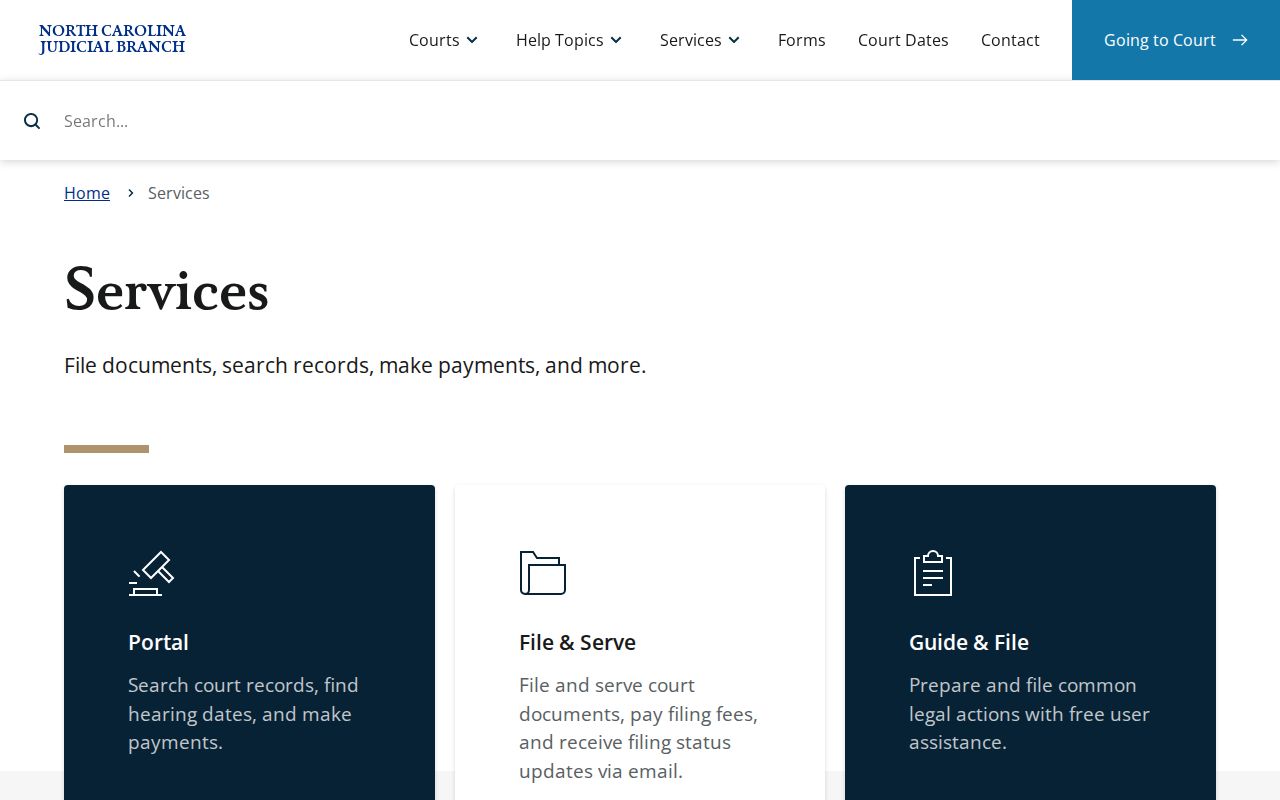
Portal remains the official public route for an available Robeson County case lookup.
Robeson County Case Access Setup
Ordinary members of the public can search Robeson County cases on Portal. No registration is required. Signing up can unlock features such as My Cases. But it grants no new public-access rights. Expect the interface to present CAPTCHA verification too, even for anonymous users. Treat it as a routine access step. It is not a sign that an available Robeson County case record is off limits.
The official word on these access and search limits is the Portal FAQ for Robeson County case searches.
Note: Optional registration changes saved-case features only, not the public access boundaries that govern available Robeson County records.
Restricted Cases and Access Rules
Some Robeson County case records never appear in public Portal results. Sealed and confidential cases or documents stay out of public view. Juvenile matters are confidential under G.S. 7B-3000. Domestic-violence cases may be public. Yet the Portal FAQ says federal protection requirements bar their data from the public web. Certain unreturned warrants and protective-order materials need elevated access as well.
A missing result has other explanations. The case may sit under a different valid identifier. It may still be processing, or belong to an older paper file. Or it simply may not match the search information supplied. Expunction orders remove the applicable entries from public court records. An absence proves nothing, and no public searcher should infer hidden facts from it.
When a record is restricted, historic, paper-held, or simply not found, give the Robeson County Clerk the best case identifier and date range you have.
Robeson County Case Charge Limits
Portal's public search does not work by charge wording. Typing a charge term will not locate a criminal or infraction case. Use the full record number, a party name, citation number, attorney information, business name, cross-reference, or nickname where those documented options apply. Then open the Case Summary and read the details it actually displays.
A Robeson County citation number is a supported input. A charge description is not. Without an identifier, refine the name search. Use the Robeson County location and the available filters.
Robeson County Case Paper Files
For a paper file, an official copy, a certified product, or help with a record Portal does not show, the Robeson County Clerk is the local route. Court records live with the clerk in the county where the case is located, and the statewide records guidance says public terminals may be used at a clerk's office in any county. Portal itself is a search and viewing channel. It is not a certificate service.
Robeson County Courthouse
500 N. Elm St., Room 101
Lumberton, NC 28359
Monday through Friday, 8:15 a.m. to 5 p.m.
910-272-5900
The Robeson County court-records guidance separates clerk-held case files from other records requests. Give the record number, case type, document requested, and date if known.
Note: A Portal printout and a clerk-issued certified record are different products, so ask for the exact item you need.