
Robeson County Court Calendars Explained
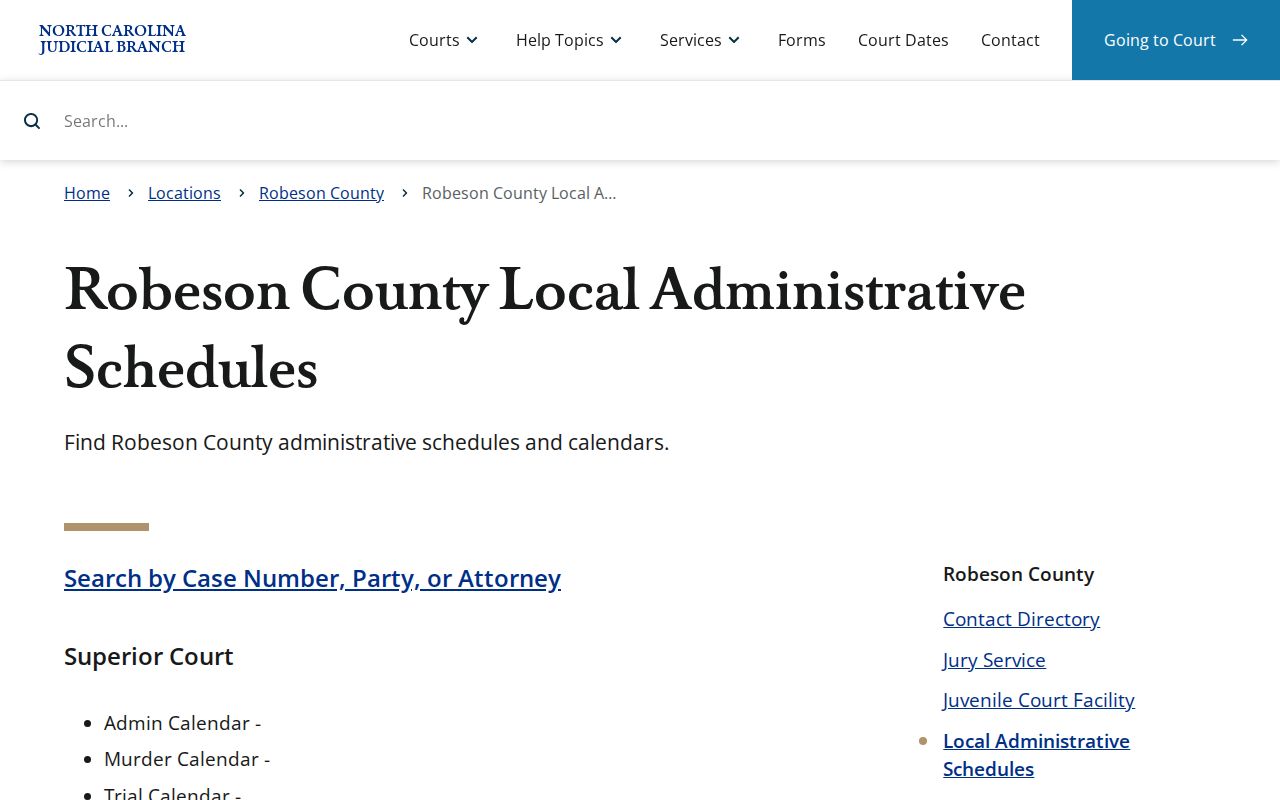
Think of the Robeson County court calendars as schedules for upcoming court work rather than one fixed docket. The Robeson County Judicial Branch schedule index gathers the categories in one place: Superior Court administrative, murder, and trial calendars, plus District Court master calendars, judge assignments, magistrate schedules, and related materials. A category is a channel, not a promise. No category guarantees a current file for every date. It simply points you to the local list. That list may be current when a setting needs checking. The Robeson local administrative schedules page is the official home for those categories, and its category view helps separate a Superior Court schedule from a District Court or magistrate schedule before you rely on any court date.
Portal Search Hearings offers a second route for one particular Robeson County matter. It works best when you hold a case identifier or can run a well-defined party search. The county links and the Portal serve different purposes, so checking both can keep you from mistaking a schedule label for the current setting in a single case.
Robeson Court Calendar Routes
Robeson County offers separate official results routes for civil and criminal calendars. Want the broader set? For Superior Court, District Court, magistrate, and judge-assignment materials, the Judicial Branch's Robeson County schedule index is the better stop. Treat the direct results pages as live handoffs. Neither page promises a fixed set of columns or filters, so expect the layout to shift once you open one.
| Need | Official Robeson route | What it answers |
|---|---|---|
| One known case | Portal Search Hearings for a Robeson County case | A current hearing search tied to an identifier or permitted criterion |
| Civil session | Robeson County civil results link and schedule index | A current civil-calendar handoff |
| Criminal session | Robeson County criminal results link and schedule index | A current criminal-calendar handoff |
| Judge or magistrate schedule | Robeson County local schedule index | Published assignment or schedule material when available |
Before treating any calendar hit as the right court date, confirm the county location reads Robeson. A party can have more than one matter in the court records. And a public hearing result is not proof the hearing occurred or resolved the case.
Finding Your Court Date
Start with the most precise identifier you have. A Robeson County case number can be searched through the North Carolina eCourts Portal. Search Hearings narrows by date and permitted search type. From there, the Case Summary, also called the Register of Actions, shows the surrounding events and assignment information. With only a name in hand, add the Robeson location and any other filters before assuming a match is correct.
- Open Portal and use the case number, a party or business name, an attorney or bar number, a citation number, or another documented search identifier.
- Select the Robeson County location and use Search Hearings with the available date range, hearing type, and search type controls.
- Check the Robeson County schedule index and the separate civil or criminal results route when the question concerns a session rather than one known case.
- For a paper file, a current attendance question, or a result that is unclear, contact the Robeson Clerk or the relevant courtroom before the session.
The main clerk and courthouse contact point is the Robeson County Courthouse, 500 N. Elm St., Room 101, Lumberton, NC 28359. The office is open Monday through Friday from 8:15 a.m. to 5 p.m. Call 910-272-5900. The clerk of court keeps the local court files. A phone or counter check works especially well when a setting is near, when an older file is involved, or when the Portal does not show the record you need.
Robeson Court Date Search Filters
Portal Search Hearings for Robeson County works from Location, Hearing Type, Search Type, and a date range. It depends on the criterion you pick. The search can cover a case number, a party or business name, an attorney name or bar number, a judicial officer, or a courtroom. The official FAQ adds a tip. A user can pick a single date and courtroom, then sort results. Those controls make a focused query far more useful than a broad name search when the goal is one Robeson County court date.
- Location
- The court location filter. Set or confirm Robeson before reading a result as a county setting.
- Hearing Type
- A Portal control for narrowing the hearing search. The accessible official text did not publish a fixed list of its live choices.
- Search Type
- The criterion that determines whether the query uses a case, party, business, attorney, judicial officer, or courtroom field.
- Date range
- The window for finding settings, including a single date when the search is sufficiently specific.
Search fields locate an available hearing entry, nothing more. They do not say whether the matter is virtual or in person, and they do not establish an outcome. For current attendance instructions, ask the clerk or the courtroom.
How to Read a Court Setting
Read a Robeson County court setting as a scheduled event in the record. Its location and later history sit around it. The best follow-up is the Robeson County Case Summary, or Register of Actions, where permitted case, assignment, event, hearing, disposition, and financial information may appear. A listed setting might be a hearing, a calendar call, or another court event. By itself, it says little. It does not explain why the case was filed, what happened in court, or whether a final order followed.
| Date | The scheduled calendar date. Recheck it close to the session because a setting can change. |
|---|---|
| Time | The displayed session or event time. Migrated historic events can show 12:00 a.m. as a conversion artifact, not an actual midnight proceeding. |
| Courtroom | A room or courtroom search value when shown. Use it with the current date and location. |
| Judge | Assignment information when it appears. A judge assignment may change and is not a final disposition. |
| Setting type | The scheduled kind of court event. Read the later case events and dispositions before drawing a conclusion. |
One calendar session can hold several matters at once. Arrival, order of calling, and access details are local logistics, so confirm them with the court rather than assuming from a search result. A time or assignment entry does not establish when a hearing will be called or how long it will last.
Robeson Calendar Links Need Live Checks
The official Robeson County civil calendar results route is a live civil scheduling handoff. It is not a promised fixed database display.
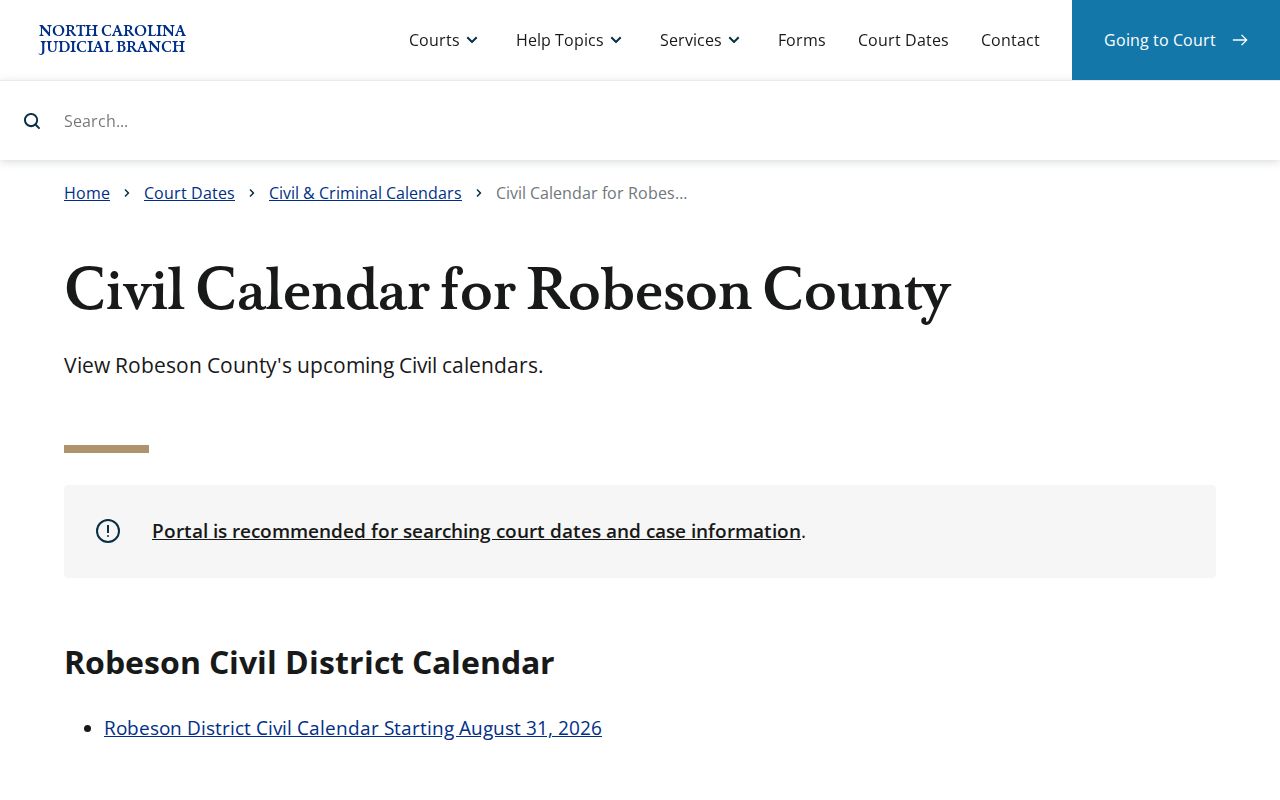
Both calendar routes deserve a live look before you count on any Robeson County court date. Session details and field layouts shift, so verify what is posted today. The civil page shows its own current fields and session terms, while the Robeson County criminal calendar results page hands off the current criminal docket the same way.
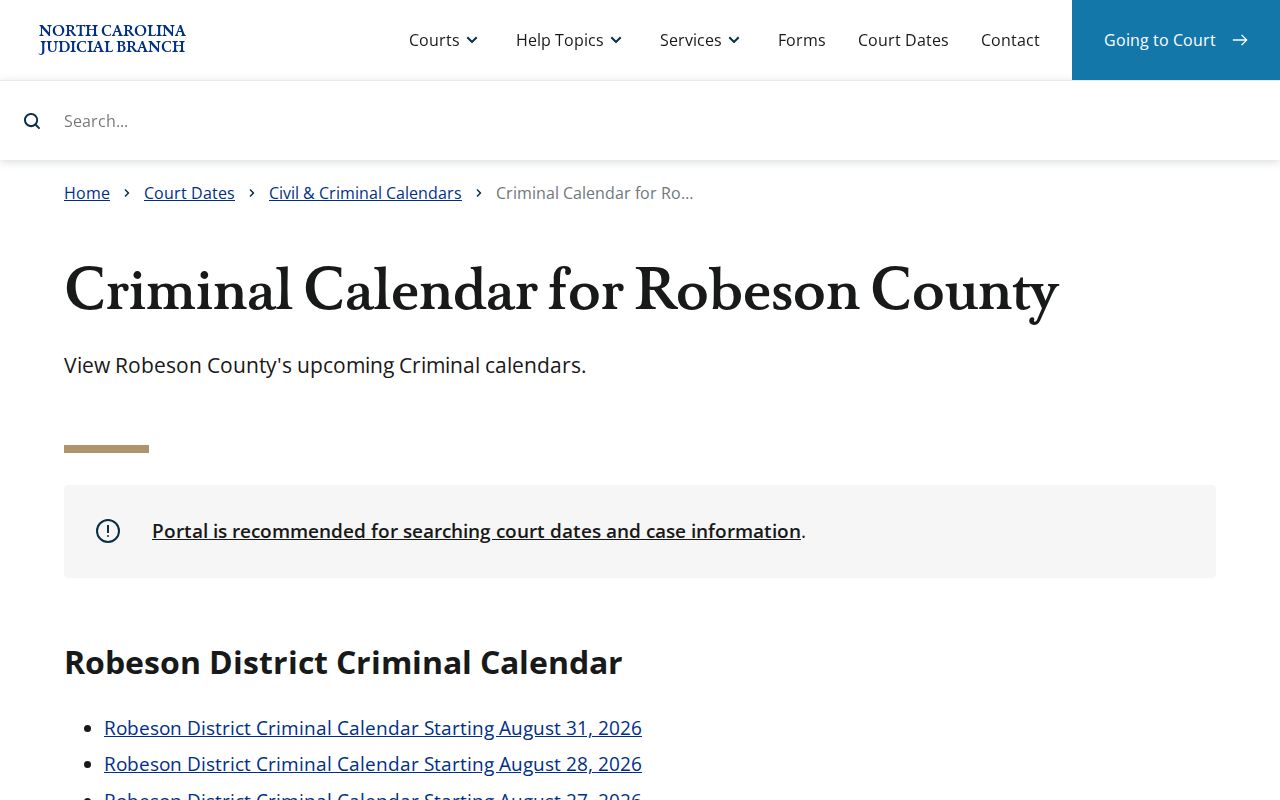
Layout aside, read what the page actually says. A criminal setting listed there is a schedule entry, not a finding of guilt or a finished hearing. Pair both pages with the Robeson County schedules index and Portal. It works fastest once you hold the case number. Categories and live results can also shift after you view them, so a fresh check beats a saved copy.
Continuances, Resets, and Cancellations
A continuance, reset, or cancellation moves the schedule. It does not settle anything about the status or outcome of a Robeson County case. The next setting usually surfaces later in Portal Search Hearings or the Case Summary/Register of Actions. An old calendar listing still offers context. Once a matter has moved, it should never be your only source.
A case can drop off a daily list. It moved, was continued, or landed in a different session. No single one of those reasons explains the change by itself. When the appearance date is close, confirm through the current case entry, the right Robeson County calendar channel, or the clerk or courtroom directly. Civil scheduling practice may also follow current local rules and administrative materials. No countywide deadline or universal calendar-request rule governs every matter. Check current official materials rather than a general timeline.
Note: When a setting moves, rely on current Robeson County calendar entries. Do not fall back on an earlier daily list.
Robeson Court Date Attendance Questions
Portal hearing search will not tell you whether a Robeson County hearing is virtual or in person. That gap matters. Date, courtroom, and attendance format are three separate questions. Only the clerk or courtroom can answer the format one, along with any day-of-session instructions. Never infer remote access from a hearing result, a judge assignment, or the mere fact that a calendar is posted online. For jurors, the Robeson jury-service page publishes building guidance.
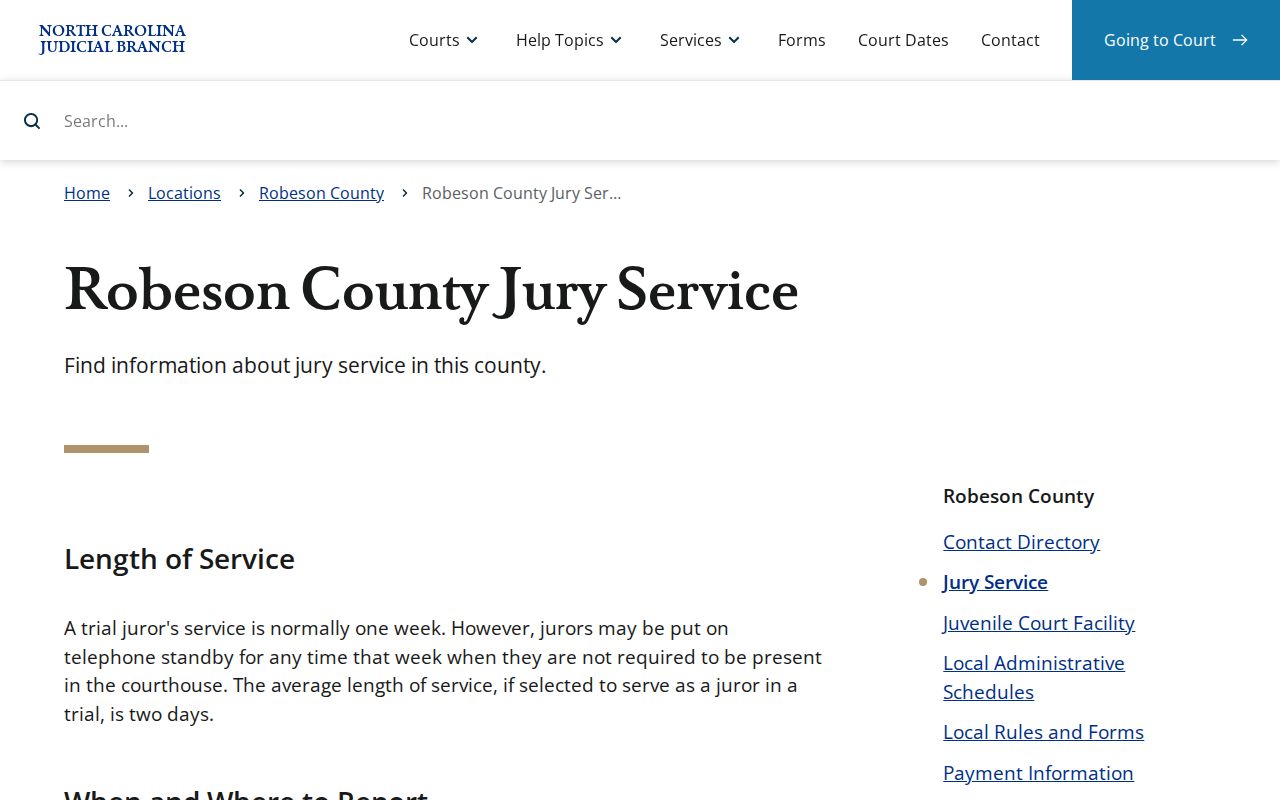
That guidance is for jurors, though. Treat it as juror-specific. It is not a general visitor rule for every Robeson County court setting. When you call, keep the Robeson County case number or citation in hand so staff can find the right division or courtroom quickly. Without it, a city address or a broad schedule category is no substitute for the actual court record.
If You Miss a Court Setting
Missed a Robeson County court setting? Act quickly. Pull the current record through the Robeson County Case Summary and Search Hearings, then call the Robeson County Clerk or the relevant courtroom for present status and required next steps. Does a lawyer represent the party? That lawyer is another key source for the case-specific response. What you should actually do turns on the case type, the reason for the absence, and what the court has already entered.
Missed a Setting? A missed court setting can have serious case-specific consequences, so use the case number to contact the clerk, courtroom, or attorney without delay.
A future date, a blank calendar result, or a pending label does not resolve the missed event. Do not read any of them as closure. A current court contact can separate them. A rescheduled matter differs from a required appearance or a record needing further review.
Note: Calendars are scheduling tools. For a missed Robeson setting, the clerk or courtroom offers the best confirmation.
Robeson eCourts and Older Calendar Records
Robeson joined eCourts on February 3, 2025. That day, the Judicial Branch brought Portal, eFiling, and Enterprise Justice to Robeson and other coastal counties. By October 13, 2025, the statewide rollout was reported complete for all 100 counties. That shift explains a common split. A recent case may sit in Portal. An older matter may still need a clerk check for historic paper material. The Robeson eCourts announcement covers the local go-live. The state eCourts page gives the statewide picture.
Legacy ACIS, VCAP, OCAP, CCIS, and PayNCTicket data was converted into Enterprise Justice. Even so, the Portal FAQ notes that historic paper files may remain with the clerk. Migration was not total. Watch for migrated event times showing as 12:00 a.m. in older Robeson County records. That display is a conversion quirk, not proof of when an event happened. When timing or status matters, confirm the entry with the Robeson County Clerk.